
How to Write Professional Reports for Free Using AI (Step-by-Step)
It's 11 PM. The quarterly recap is due before your manager walks in tomorrow, and the document on your screen is still blank except for a blinking cursor. You've heard the pitch a hundred times: AI can draft a full report in minutes. So you start clicking. The first tool wants a credit card before it shows you a single sentence. The second slaps a watermark across the export. The third hums along nicely, then caps your output at 200 words — right before the section you actually needed. That cycle, repeated at midnight, is the real reason most people give up on report writing ai free workflows and go back to typing from scratch.
This is not a "ChatGPT can write reports" lecture. It's a working, genuinely free, start-to-finish workflow that produces a report polished enough to attach to an email and send to a manager or client without apology.
A bit of grounding before you panic about being behind. According to Microsoft WorkLab, generative AI use at work has nearly doubled in six months, with roughly 75% of global knowledge workers now using it on the job. That number sounds like everyone but you already has this figured out. They don't. Broader Federal Reserve Board labor surveys put real workplace AI usage closer to 20–40% — a wide gap between the hype-heavy corporate numbers and the neutral measurements. If you feel like the only person fighting a blank page tonight, you're in a much bigger crowd than the headlines suggest. A free workflow is the fastest way to catch up without spending a dollar.
One honest warning before you start: "free" AI tools are riddled with paywalls, word caps, login gates, and privacy trade-offs. This walkthrough flags every wall before you hit it.

Table of Contents
- What Counts as "Free" — and Where the Hidden Walls Are
- Prep Your Inputs Before You Touch a Single AI Tool
- The Step-by-Step Workflow to Generate Your First Draft Free
- Free Tools That Actually Deliver — Honest Comparison
- Fact-Check and Format So It Doesn't Look AI-Written
- When Free Stops Being Worth It — The Recurring-Report Math
- Your Copy-Paste Free AI Report Briefing Template
- FAQ
What Counts as "Free" — and Where the Hidden Walls Are
Before you waste an hour clicking through tools, learn to sort them into three buckets. The word "free" hides at least five very different realities, and knowing which one you're dealing with saves you the midnight scramble of discovering a paywall at the export screen.
- Truly free tiers. These let you generate and copy text with no credit card and no account. TinyWow markets itself explicitly as "Free AI Writing Tools – No Sign-Up, No Limit," positioning as a no-login, no-credits browser tool. For a one-off report writing ai free task — the report you write once and never repeat — this is the safest bet. You paste, you generate, you copy out. No wall appears because there's no account to upsell.
- Free-trial bait. This is the category that burns you at 11 PM. The interface looks slick, you start drafting, then payment is demanded before you can export. A 2026 review of 27 AI writing tools by EmailVendorSelection found that "high word limits" and integrations are now baseline marketing hooks, but advanced features and higher limits sit behind paid plans. Many "free" report generators — Venngage's AI Report Generator among them — lead with a "try it for free" CTA that's typical of freemium models. The trial is real; the "free" is conditional.
- Word and export caps. Free tiers frequently impose soft word and usage caps, and most are optimized for short-form content. That's not a flaw you can argue with — it's the business model. It's also exactly why generating a report section-by-section matters. Tools like TinyWow, Canva Magic Write, and Grammarly all position their workflows around shorter, focused outputs rather than one giant document.
- Watermark and login gates. Plenty of tools require account creation or credits before they let you produce substantial output or export anything clean. That's the contrast TinyWow's no-sign-up model is built to exploit. If a tool asks you to register before showing you a sentence, treat it as a free-trial tool, not a free tool.
- Privacy trade-offs. Free often means your input data may be used to train the vendor's model. If you're pasting confidential revenue figures, client names, or incident details, that's a real concern — not a theoretical one. Anyone working with sensitive numbers should treat the prompt box as semi-public until proven otherwise. (More on how to handle this safely in the FAQ.)

Prep Your Inputs Before You Touch a Single AI Tool
The skill that separates a usable draft from generic mush isn't prompting. It's feeding the model the right raw material before you prompt at all. An AI cannot invent your Q3 revenue or reconstruct your project timeline — it can only format what you hand it. Run this five-step pre-flight before you open any tool.
- Gather your source data. Pull the actual numbers, dates, and facts the report depends on — sales figures, project milestones, incident timelines, budget lines. Put them in one place where you can copy them. Everything downstream is only as accurate as this pile.
- Define audience and purpose. A board update reads nothing like a team status note. Write down exactly who reads this and what decision it should drive. "Convince leadership to approve next quarter's hiring" produces a sharper report than "summarize the quarter."
- Choose your report type. Status report, research summary, financial report, incident report — each carries a different default structure. Naming it up front tells the AI which skeleton to build on, so you don't get a research-paper format when you needed a one-page status note.
- Set the tone. Formal and measured for executives. Plain and direct for internal teams. State it explicitly in your own notes, because you'll feed it into the prompt verbatim later. Tone is the thing AI guesses worst when you leave it blank.
- List your must-include sections. Executive summary, key findings, data tables, recommendations, next steps — whatever this specific report genuinely requires. A short list keeps the AI from padding with sections nobody asked for.
The quality of an AI report is decided before you write a single prompt — it's decided by what you give it.
One production benchmark to lock in now. Because free tools impose soft word and usage caps and favor short-form output, plan to generate section-by-section, roughly 300–800 words per section, rather than asking for a full 3,000-word report in one shot. This benchmark comes from how TinyWow, Canva Magic Write, and Grammarly actually position their workflows — and it does double duty, dodging word caps while producing tighter, more accurate output.

The Step-by-Step Workflow to Generate Your First Draft Free
Here's the hands-on part — the exact sequence that takes you from prepped inputs to a finished draft without hitting a paywall. Follow it in order.
Step 1 — Open a genuinely free tool. Start with a no-login option for plain-text reports. TinyWow ("No Sign-Up, No Limit") lets you generate and copy text directly in the browser with no account. If you want quality checks baked into the same window, Grammarly's free AI writer takes you from a blank page to a polished draft with grammar and style feedback in one environment — useful when the report is business communication and tone matters as much as content. If your report needs to look visual — a slide-style one-pager or a branded summary — Canva Magic Write generates lists and outlines inside design templates. Pick based on the output you need, not the tool with the loudest homepage.
Step 2 — Paste a structured prompt. Generic prompts produce generic reports. Use this template and fill the brackets:
"You are a professional report writer. Write the [SECTION NAME] of a [REPORT TYPE] for [AUDIENCE]. Purpose: [PURPOSE]. Use a [TONE] tone. Base it only on these facts: [PASTE DATA]. Format with a clear heading and short bullet points. Do not invent any numbers."
That last line — "do not invent any numbers" — is the single most valuable instruction in the prompt. It won't stop hallucinations entirely, but it cuts them down meaningfully.
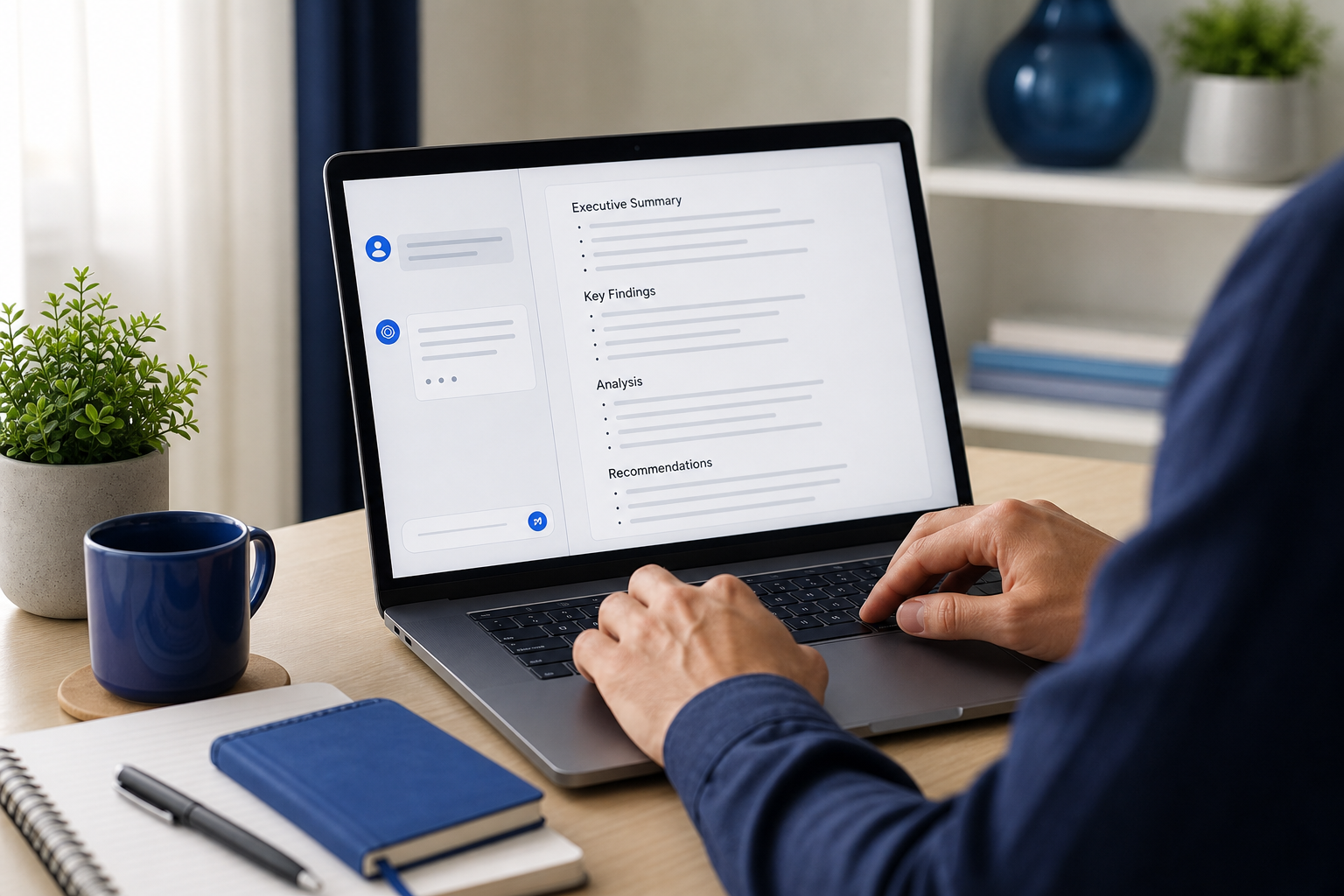
Step 3 — Generate section by section. Hold to the 300–800-word-per-section benchmark. Do the executive summary as its own generation, then key findings, then recommendations, each as a separate prompt. This avoids word caps on free tiers, and it produces tighter, more accurate output than one sprawling prompt that asks the model to hold the entire report in its head at once. A focused prompt about one section gets a focused answer.
Step 4 — Request a specific format. Don't accept a wall of text. Ask the AI explicitly for headings, a bulleted executive summary at the top, and a recommendations block at the end. If you want a data table, say so. The model will format almost any way you instruct — but only if you instruct. Silence gets you paragraphs.
Step 5 — Iterate with follow-up prompts. The first draft is raw material, not the finished product. Refine it with targeted follow-ups: "Make the executive summary tighter," "Convert this paragraph into a 4-bullet list," "Rewrite the findings section in a more formal tone." This is where the real quality appears. Microsoft WorkLab research found a growing segment of "power users" who build multi-step workflows rather than relying on one-off prompts — the same pattern that turns AI from a novelty into a drafting engine that drafts and iterates content while you sleep. The reports that read well are almost never first drafts; they're third or fourth passes built from small, specific corrections.

Free Tools That Actually Deliver — Honest Comparison
Not every free tool fits every report. The right pick depends on your report type and which constraint bites you first — login walls, export limits, or visual needs. Here's how the main options stack up on the attributes that actually matter.
| Tool | Login required | Best-for report type | Key strength | Free-tier note |
|---|---|---|---|---|
| TinyWow | No | Quick plain-text reports | No sign-up, no credits | Markets "no sign-up, no limit" |
| Grammarly AI Writer | Yes (free account) | Business documents & communication | Polished drafts + grammar/style checks | Advanced features on premium tiers |
| Canva Magic Write | Yes (free account) | Visual / slide-style one-pagers | Outlines & blocks inside templates | Extra capacity tied to paid plans |
| Venngage AI Report Generator | Yes | Design-heavy reports with charts | Turns data into visual reports fast | Freemium "try it for free" CTA |
| Manus / GravityWrite | Yes | Data-heavy business & analytics | Single-click structured reports | Emphasizes speed over unlimited free |
The match-up is straightforward once you know your scenario. Reach for TinyWow when you need a one-off plain-text report and you refuse to create an account for a single document. Use Grammarly when the report is business communication and you want quality checks happening as you draft, not in a separate editing pass. Choose Canva Magic Write or Venngage when the report has to look the part — a slide deck, a branded one-pager, an infographic-style summary where layout carries as much weight as words. And lean on Manus or GravityWrite when you're feeding structured business or analytics data and want a single-click first draft to start cutting from.
There's a cross-tool finding worth keeping in mind. EmailVendorSelection's review notes that modern AI writing tools are now judged on four free-tier parameters: word limits, daily and usage caps, integration options, and export formats. That reframes the whole "which is best" question. The best free tool isn't the one with the most features — it's the one whose constraint you can live with for your specific report. If you only need to copy clean text once, export format is irrelevant and login is the deal-breaker. If you produce reports weekly, integrations matter more than word limits.
Free tools are perfect for the report you write once. They quietly fall apart the moment reporting becomes a routine.
Fact-Check and Format So It Doesn't Look AI-Written
A polished-looking draft is not a trustworthy draft. This is the credibility step — catching the confident wrong numbers and stripping the robotic feel before you put your name on it. Run all six.
- Verify every stat against your source. AI will produce wrong numbers with total confidence. Cross-check each figure against the source data you assembled in the prep step. The need for this isn't a hunch — it's how easily numbers move. The St. Louis Fed found that simply revising one survey's design shifted its estimated AI usage rate from 39.4% to 44.6%. If a careful institutional survey can swing several points on methodology alone, treat any number an AI hands you as unverified until you confirm it against your own data.
- Remove filler phrases. Cut "In today's fast-paced world," "It's important to note," and every other variety of AI throat-clearing. These phrases are the clearest tell that nobody wrote the sentence. Delete them on sight.
- Fix repetitive structure. AI loves identical sentence openers and triplet lists — three bullets, three examples, three of everything. Vary your openers and break the pattern. Repetition at the structural level reads as machine-generated even when the content is fine.
- Add real headings and page breaks. Format the report for skimming, not for endurance. A manager scans before reading. Clear headings, white space, and short blocks make the report usable in the ten seconds someone gives it on first open.
- Insert your own examples. Drop in one specific, real detail only you would know — the name of the client who flagged the issue, the exact week the milestone slipped, the meeting where the decision got made. This single move does more to make a report read as human-authored than any rewrite prompt.
- Run a read-aloud pass. Read the whole thing out loud. Your ear catches awkward phrasing your eye skips right over. Anything you stumble on when speaking is something to fix.
Build that human review in deliberately. The gap between high corporate self-reported AI use (Microsoft WorkLab) and the lower numbers from neutral surveys (St. Louis Fed) points to the same conclusion practitioners keep reaching: treat AI as an augmenting tool with an explicit human review stage, not a fully automated pipeline you trust blind.

When Free Stops Being Worth It — The Recurring-Report Math
Free wins decisively for the report you write once. It quietly becomes a trap the moment reporting turns into a routine. Here's the breakpoint, mapped against how often you report and how polished the output needs to be.
| Your situation | Frequency | Formatting needs | Recommended approach |
|---|---|---|---|
| One-off internal report | One-time | Minimal | Use a free tool (TinyWow/Grammarly) |
| Occasional client report | Monthly | Moderate | Free tool + saved prompt template |
| Recurring team reports | Weekly | Structured/branded | Build a reusable template system |
| Ongoing published content | Daily/weekly | Branded + SEO + multi-platform | Automate |
The dollar price of a free tool hides its actual cost. That cost isn't measured at the checkout — it's measured in the hours you spend re-doing the same setup, the same prompting, the same fact-checking, and the same formatting every single cycle. Do a one-off report this way and you've spent an hour you'll never repeat. Do a weekly report this way and you've signed up for that hour, every week, indefinitely.
EmailVendorSelection's review emphasizes integrations and export workflows as key selection criteria precisely because of this. Teams producing recurring reports shouldn't benchmark by free word limits — they should benchmark by how easily output flows into their existing Word, PDF, or presentation pipelines. The friction that's invisible on report one becomes the dominant cost by report twenty.
The cost of a free tool isn't measured in dollars — it's measured in the hours you spend doing the same setup every single week.
There's a clean line to draw here. One-off internal reports are where free wins, full stop. Recurring published content is a different animal — ongoing blog posts, SEO articles that beat hiring an agency, multi-platform publishing on a schedule. That's where a manual free workflow stops scaling, because you're no longer formatting one report; you're running a content operation by hand. Businesses that hit that wall — needing recurring published content rather than the occasional internal report — typically outgrow free tools and move to automated platforms like AymarTech, which researches keywords, writes in your brand voice, and auto-publishes daily across WordPress, Webflow, Shopify, Wix, and Framer in 150+ languages for $99/month. For a single late-night report, that's overkill. For a publishing cadence, it's the difference between owning a process and being owned by it.
Your Copy-Paste Free AI Report Briefing Template
Everything above collapses into one reusable asset. Fill in the brackets, paste it into any free tool, then generate section by section per the workflow earlier. Save it once and your next report starts from a five-minute setup instead of a blank page.
REPORT BRIEFING
- Audience: [who reads this]
- Purpose: [the decision/action it drives]
- Report type: [status / research / financial / incident]
- Tone: [formal / plain / executive]
- Data inputs: [paste your verified facts and numbers]
- Required sections: [exec summary / findings / data table / recommendations / next steps]
- Output format: [headings + bulleted exec summary at top + recommendations block at end]
- Constraint: Use only the data above. Do not invent figures.
To use it: fill every bracket with your prepped material, paste the whole block, and prompt the tool one section at a time. If your report leans visual — charts, branded layouts, slide-style summaries — the same briefing works inside design tools, and pairing it with the right AI tools that speed up real design workflows handles the formatting side. The briefing carries the content; the tool carries the look.
Before you send, run the final pre-send checklist:
- Every number traced back to your source data.
- Filler phrases and repeated sentence openers removed.
- Headings, exec summary, and recommendations all in place.
- At least one specific, human-authored detail added.
- Read-aloud pass completed.
- Exported in the format your recipient expects (Word/PDF) — and checked for watermarks.
Clear all six and the report on your screen is one you can attach to an email and send without a second thought — built start to finish on a report writing ai free workflow that cost you nothing but an hour of attention.
FAQ
- Is it safe to put confidential company data into free AI report tools? Be cautious — many free tools may use your input to train their models. For sensitive figures, prefer no-login tools like TinyWow and anonymize your numbers, or keep raw confidential data out of the prompt entirely and add it manually after the AI has drafted the structure. Let the model handle format; you handle the secrets.
- Can free AI tools export reports to Word or PDF without a watermark? It varies, and watermarks and export gates are common freemium walls. EmailVendorSelection's review flags export formats as a key free-tier parameter, so check before you commit your time. Some no-login tools sidestep the issue entirely by letting you copy clean text directly into your own document.
- How long should an AI-generated report be before it needs human editing? Every AI report needs human review regardless of length. The gap between corporate self-reported usage and neutral-survey numbers (Microsoft WorkLab) supports treating AI as an augmenting tool with an explicit review stage, not an unsupervised pipeline. Generate in 300–800-word sections and edit each one as you go, rather than producing the whole thing and reviewing at the end.
- Will free AI report tools work in languages other than English? Many do, but free-tier quality and feature support vary by language, and a tool that's strong in English can be thin in others. For consistent multilingual output at scale, automated platforms support 150+ languages — relevant only if you're producing recurring reports rather than a single one-off, where a free tool in your language will usually do the job fine.